Always Know Where a Task Stands
Task management that doesn't stop at creation. A task doesn't get created and forgotten.
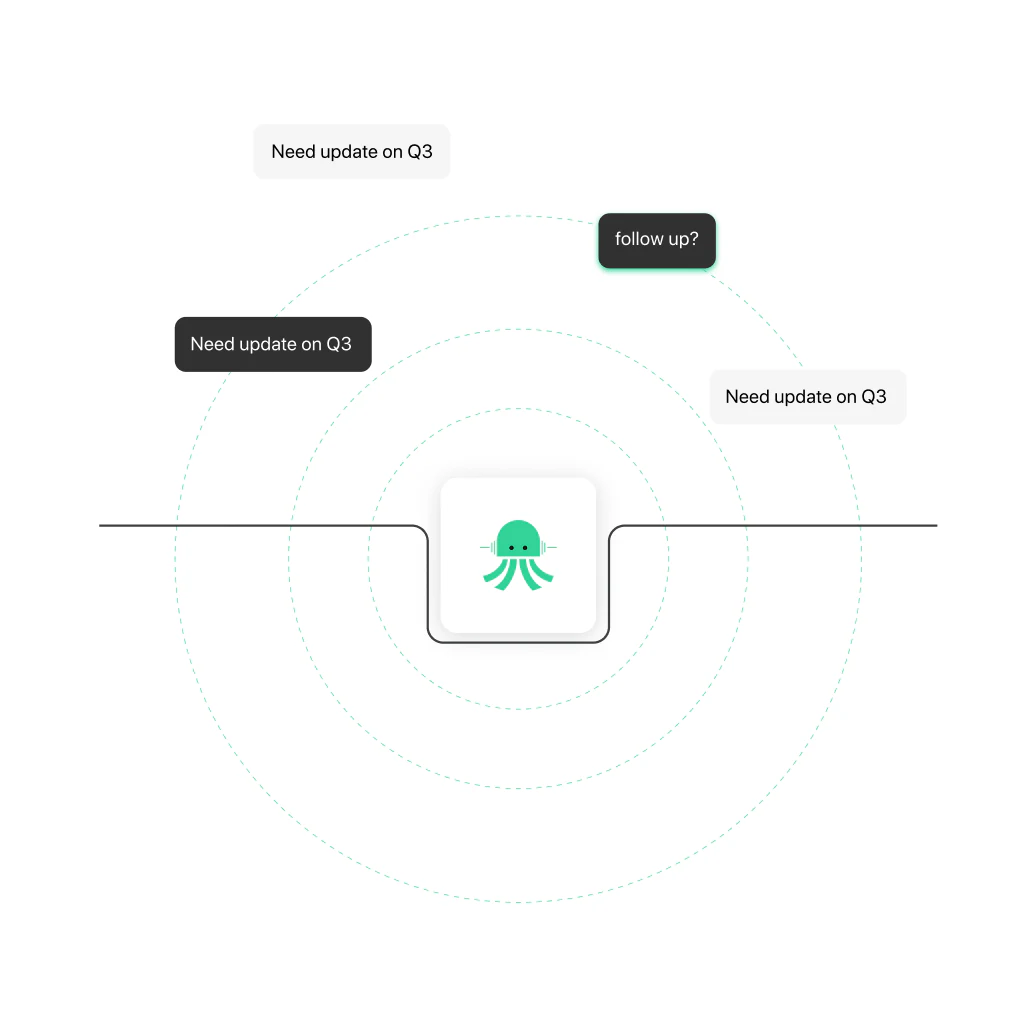 The Takivo agent at the center of a pulse, with “Need update on Q3” and “follow up?” check-ins orbiting it


Your AI agent never moves on its own.
Task management that doesn't stop at creation. A task doesn't get created and forgotten.
The Takivo agent at the center of a pulse, with “Need update on Q3” and “follow up?” check-ins orbiting itMost project management tools show everyone everything.
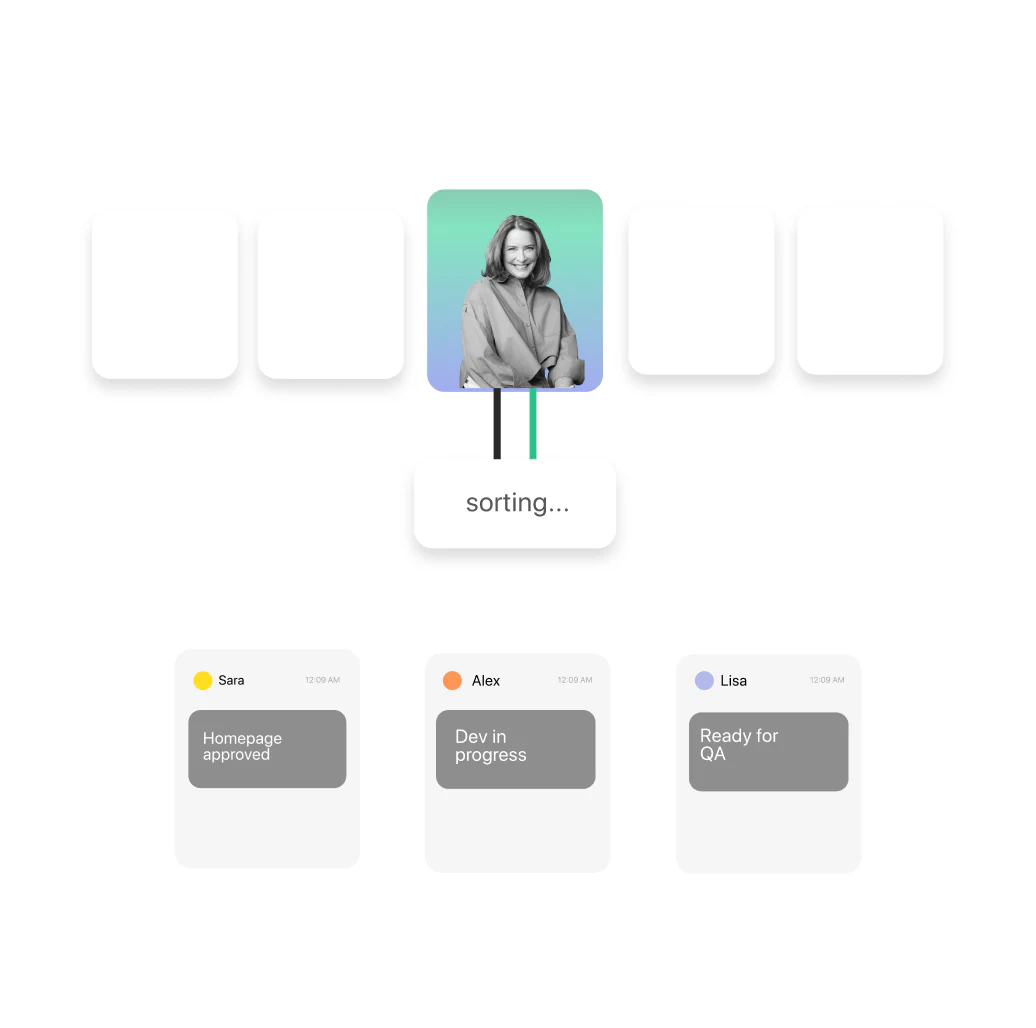 A row of teammates feeding a “sorting…” step that routes updates to Sara, Alex and Lisa: Homepage approved, Dev in progress, Ready for QA
Elsewhere, a task is a blank form you fill in yourself. Here it arrives complete, with its context: what it's for, what was said, who's involved. It comes to you pre-filled, ready to approve.
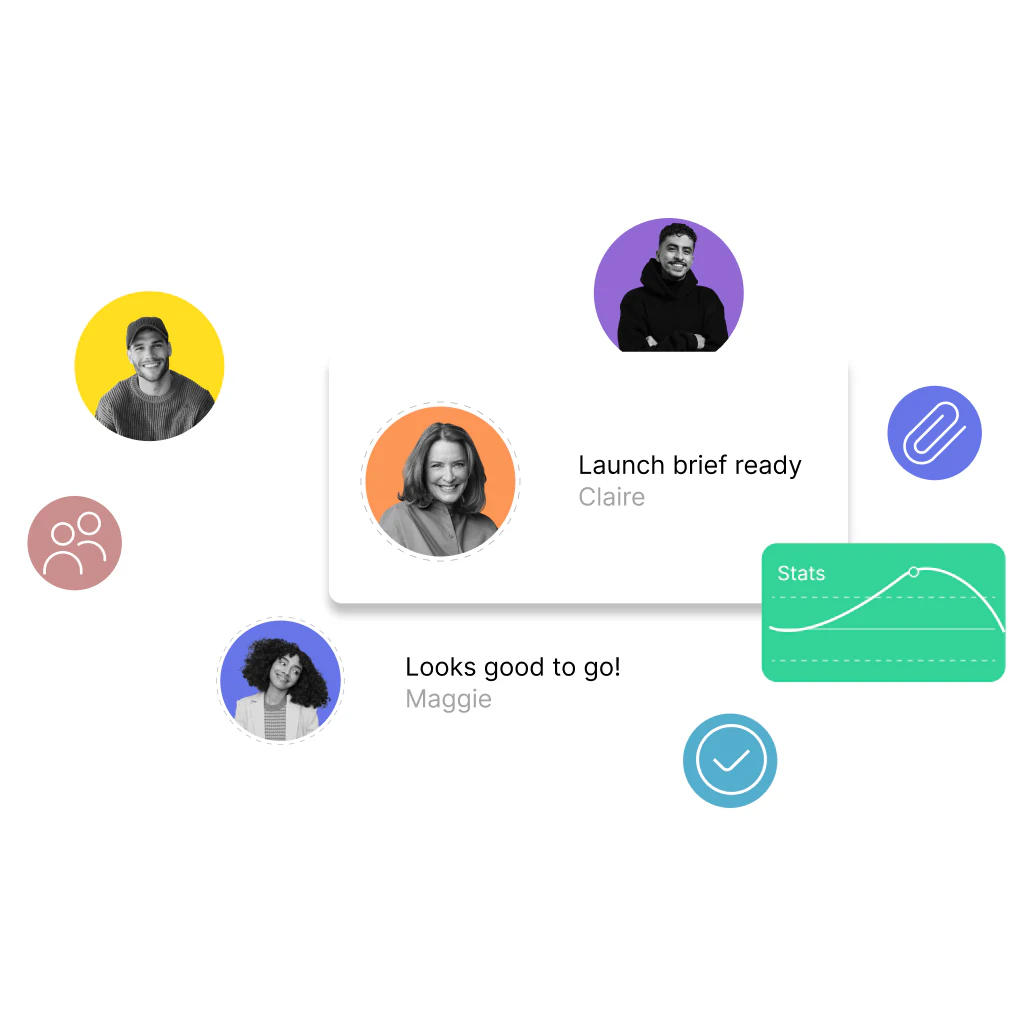 A “Launch brief ready” task from Claire with a stats chart and an attachment, Maggie replying “Looks good to go!”, and teammates around it
Decisions made in passing live in someone's memory until the memory's gone. The agent catches each one and files it with its context and who made the call. Months later, you search, and the answer's already there.
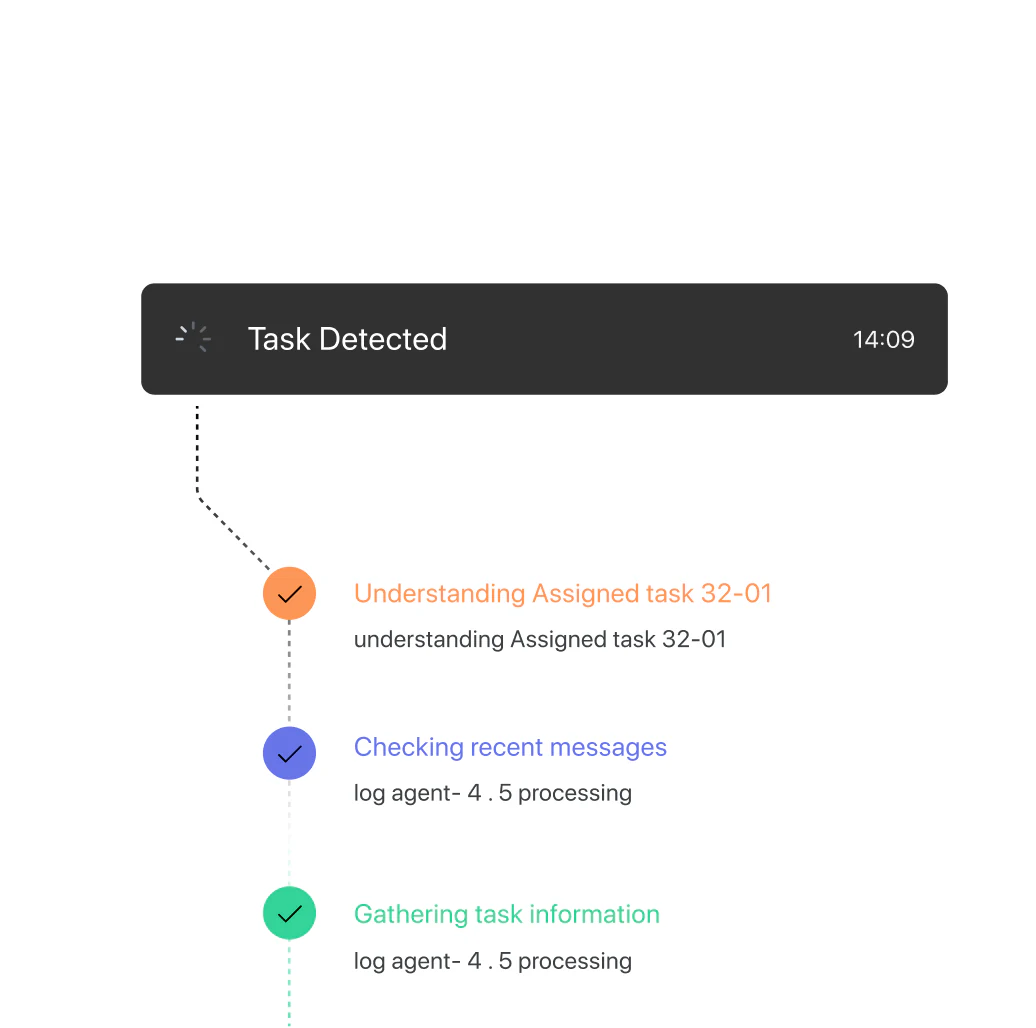 “Task Detected” at 14:09, then the agent’s steps: understanding assigned task 32-01, checking recent messages, gathering task information
Takivo catches what needs attention before it becomes a problem.
Most of what's said in a day doesn't need acting on. Some of it badly does. The agent separates the two: a commitment, a forming blocker, a deadline slipped into a sentence. The signal gets pulled out, the noise stays where it is.
The moment a project gets created, your AI agent is on it.
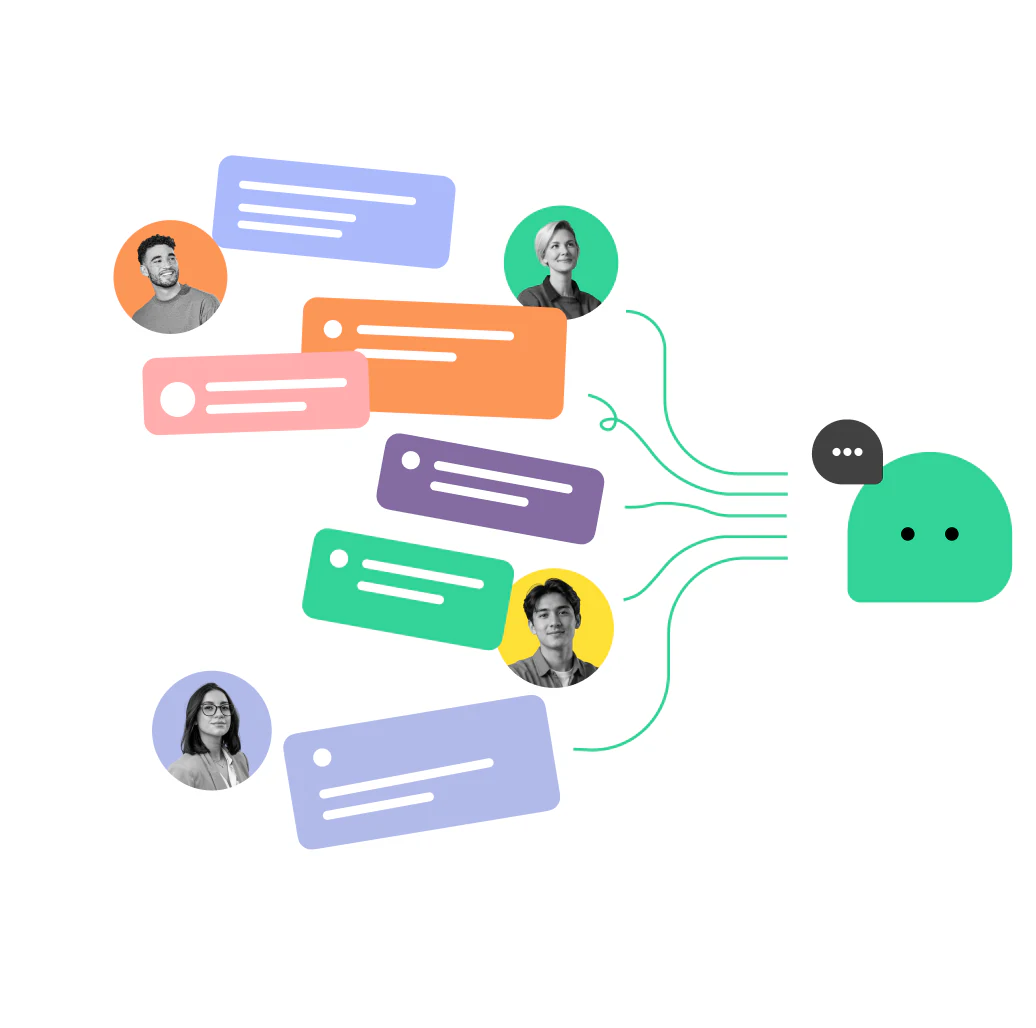 Messages from five teammates streaming into the Takivo mascot
The agent doesn't wait for you to ask how a project's doing. It checks on its own, around the clock, through every project. A blocker that formed an hour ago is already on its radar. You don't find out a project slipped days after it slipped. You find out while there's still time to fix it.
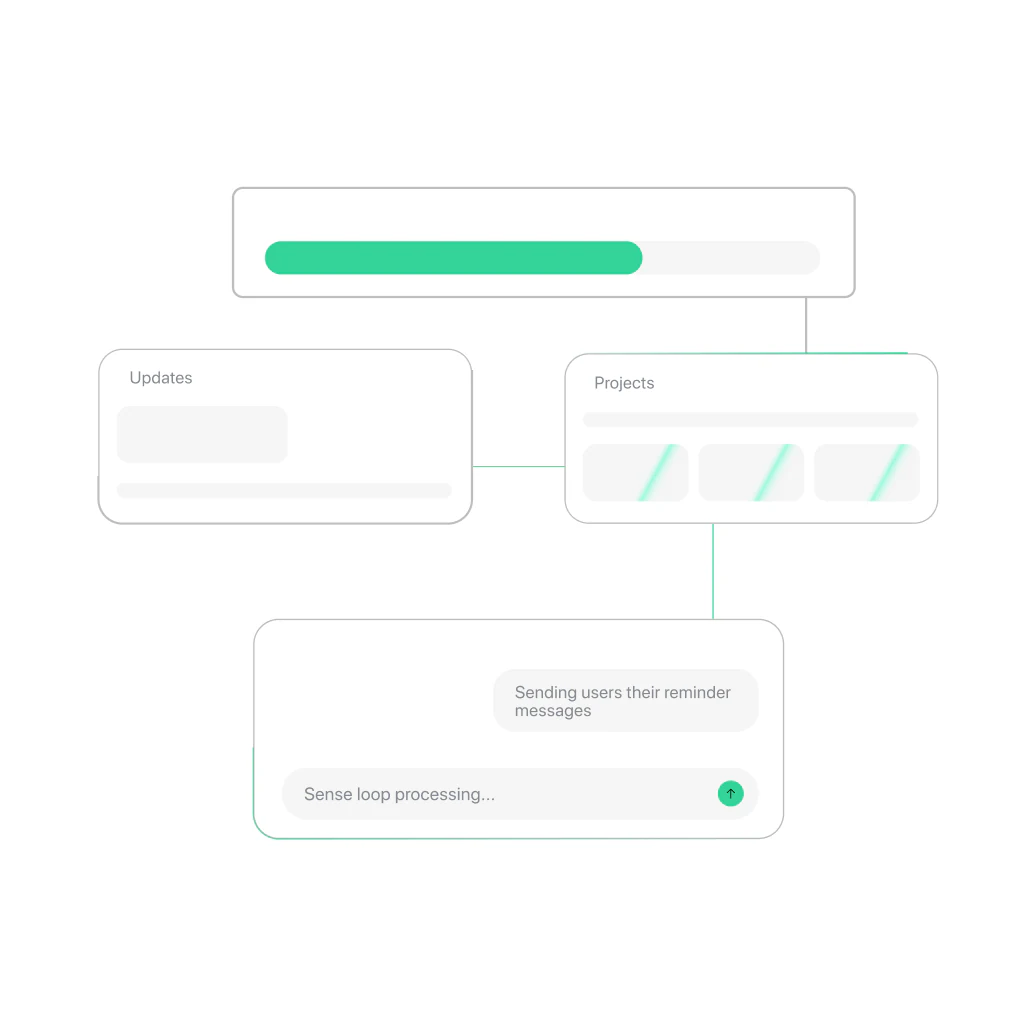 A progress bar feeding Updates and Projects panels, and a message box reading “Sense loop processing…” while the agent sends users their reminder messages
Not every action carries the same weight, so the agent sorts what it can do by risk. Small moves it can make on its own, and even those permissions can be revoked. Anything that touches something sensitive comes to you first, every time. Useful without ever being dangerous.
 Two teammates smiling at their laptops in front of yellow and pink panels, with approval chips and a check mark beside them
A task doesn't get created and forgotten. The agent follows it the whole way. When it moves, stalls, nears due, or gets done, you hear about it. The updates come to you at each step that matters. Nothing changes state quietly behind your back.
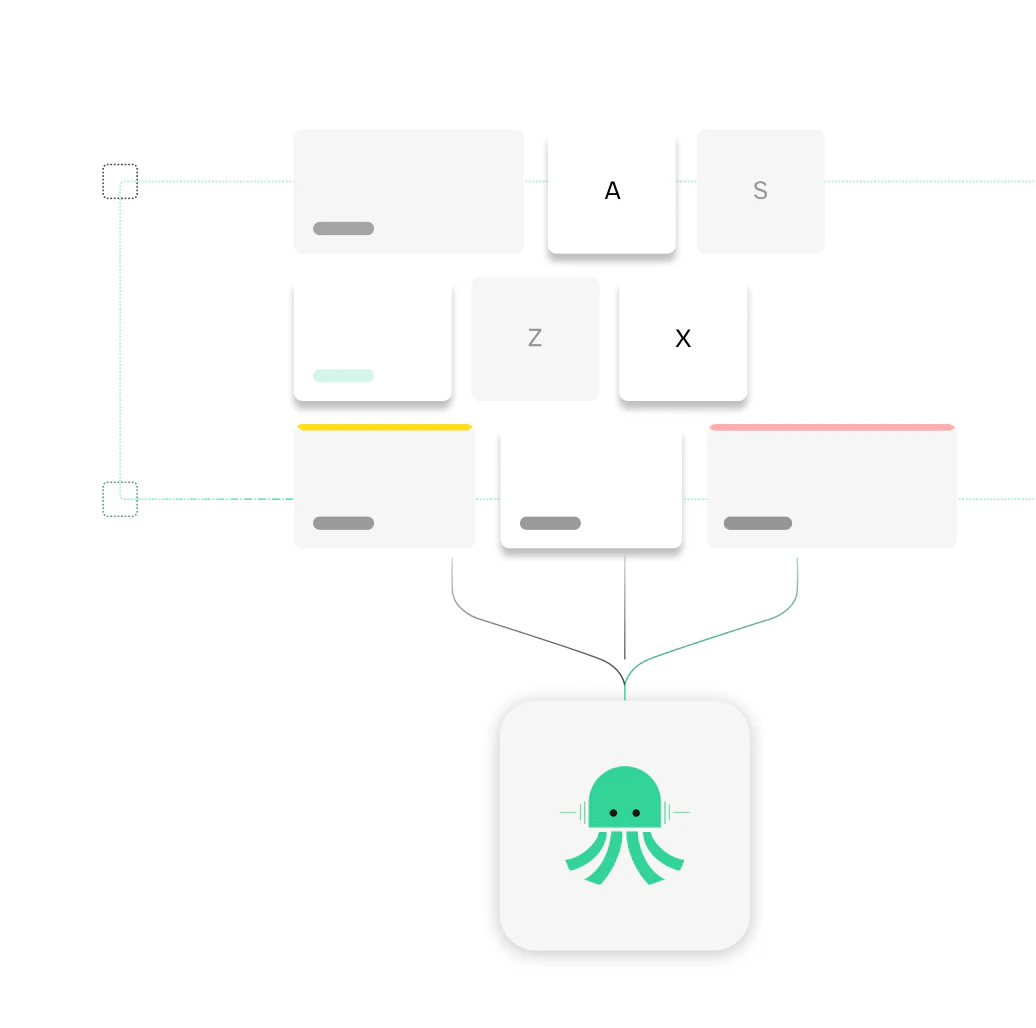 Keyboard keys A, S, Z and X and task cards linked down to the Takivo agent
 Three people smiling at their phones in front of app tiles while the Takivo agent posts “Analyzing tasks”
This is the part of your AI agent you talk to directly.
The agent never reads a message in isolation. Every call it makes draws on five layers at once.
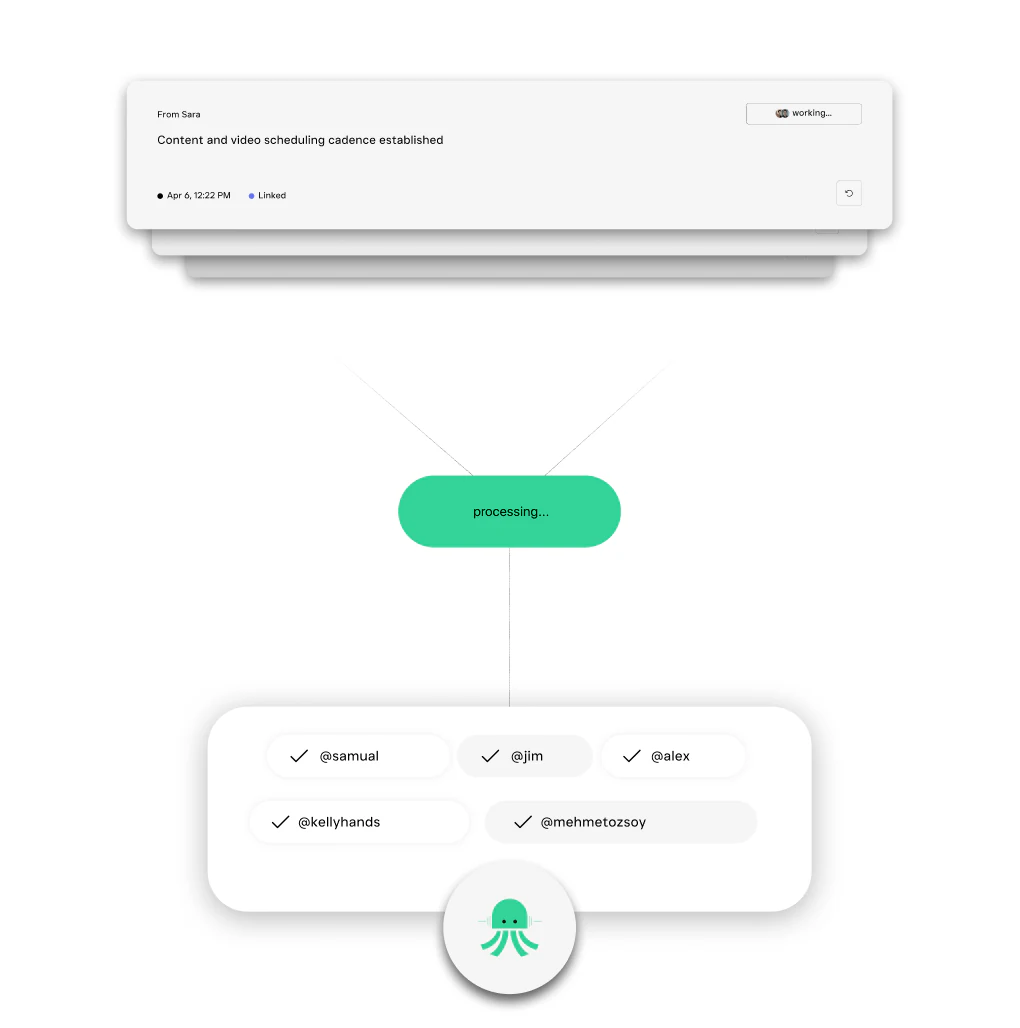 A message from Sara, “Content and video scheduling cadence established”, being processed and shared with five teammates
The agent checks overdue work constantly, sweeping every task about once a minute to catch anything past due or gone quiet. The second something slips, it's flagged. You find out the moment it happens.
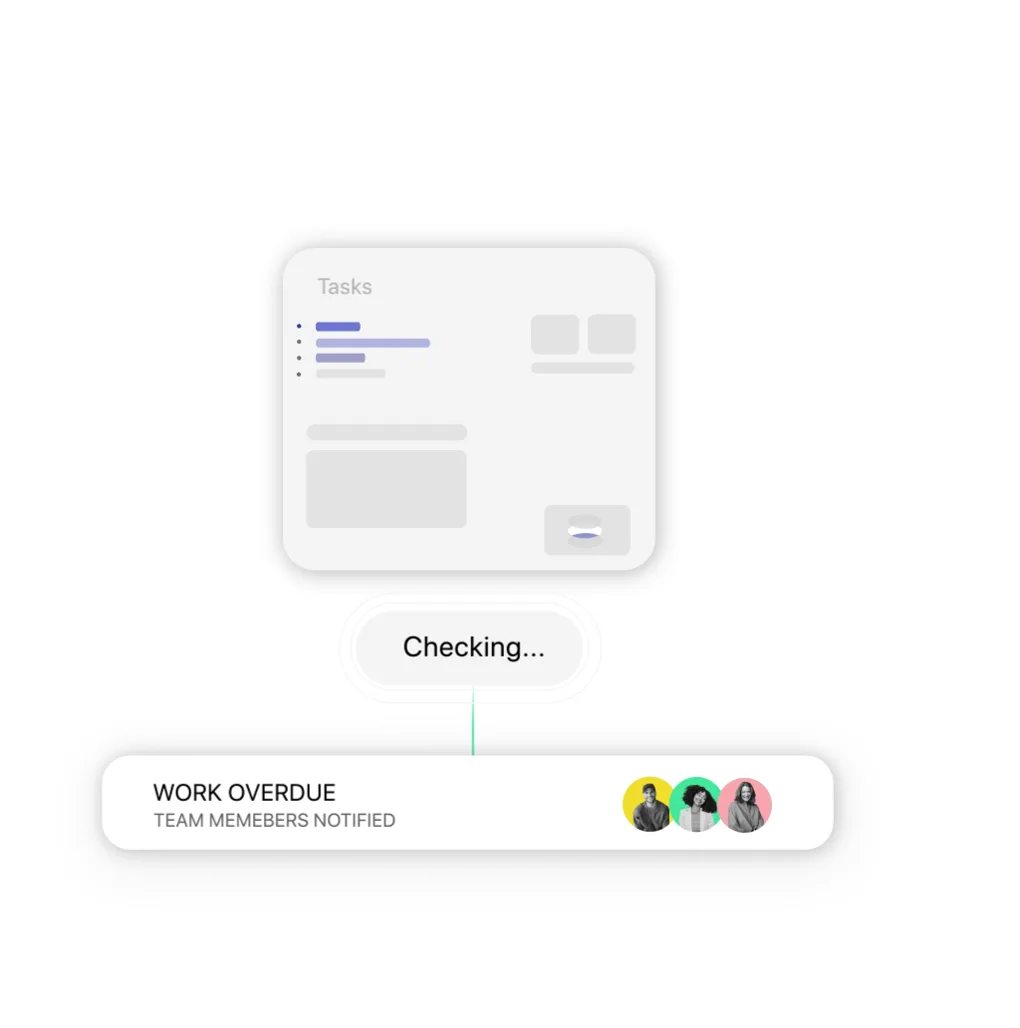 A Tasks panel being checked, ending in “Work overdue: team members notified” beside three teammates
A reminder here isn't a notification you swipe away and forget. It fires, and then the agent stays on it. If the work isn't done, it follows up. Then it follows up again. It keeps coming back to the person until the thing is actually marked done, not just seen.
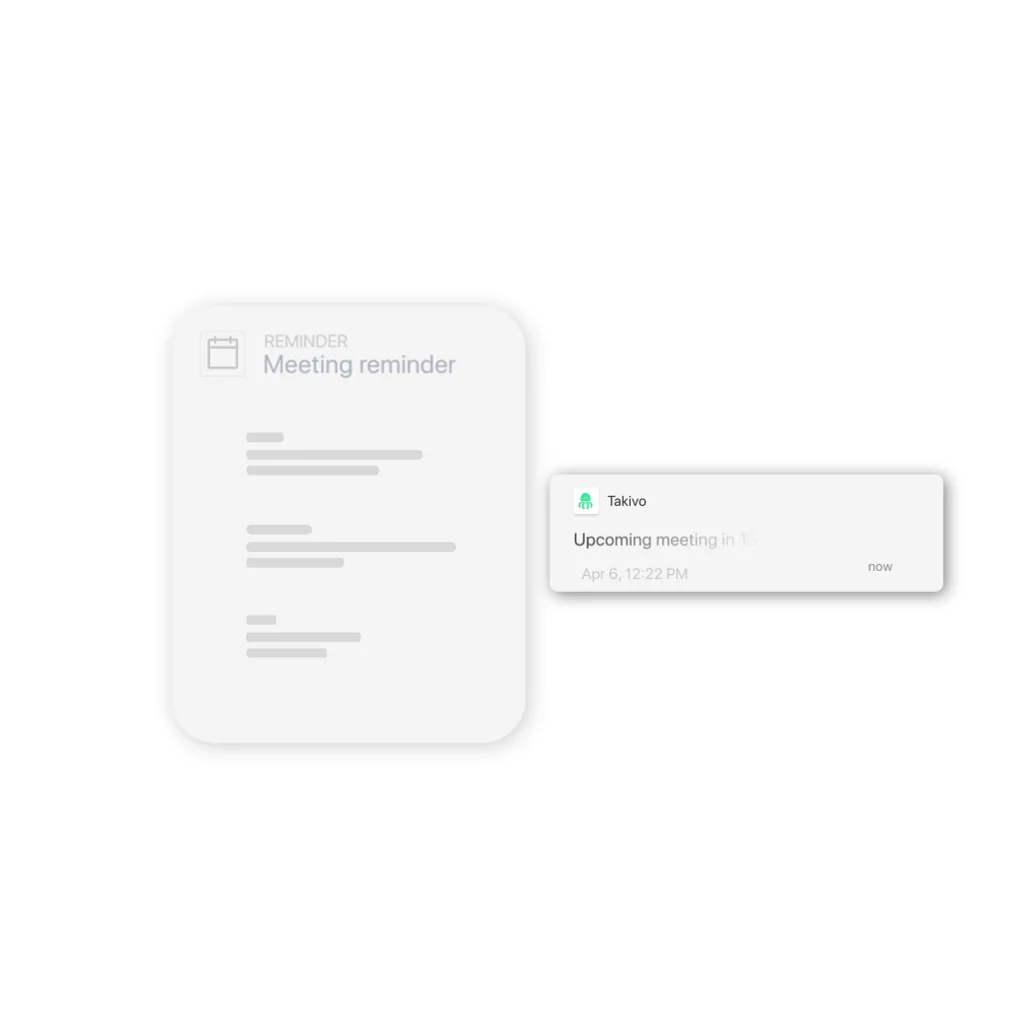 A meeting reminder next to a Takivo notification, “Upcoming meeting in 15 minutes.”, sent to three teammates
Direct messages stay between the people in them.The agent helps you inside your own DMs, but what's said there never travels. It won't surface in a channel, show up in someone else's view, or feed a summary anyone else reads. A private conversation stays private.
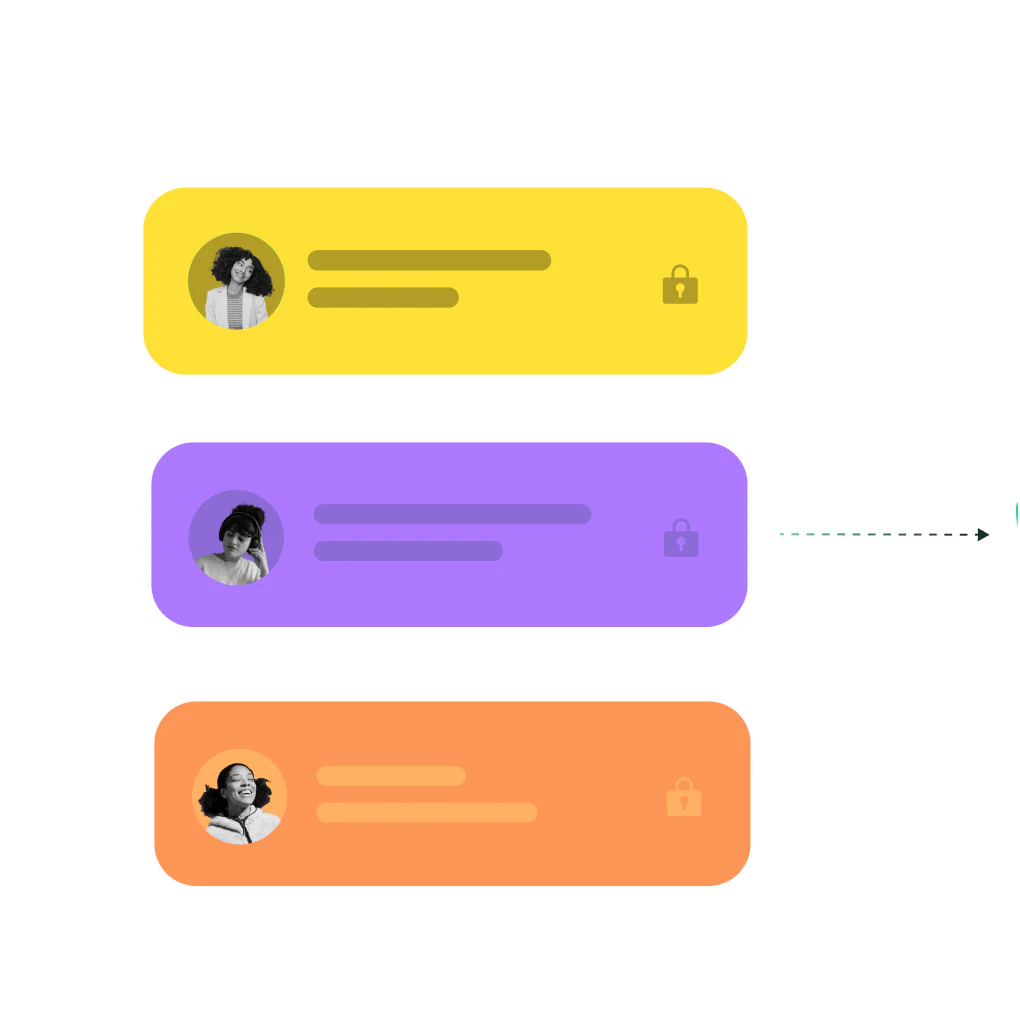 Three locked direct-message cards in yellow, purple and orange, with a dashed arrow pointing away from them